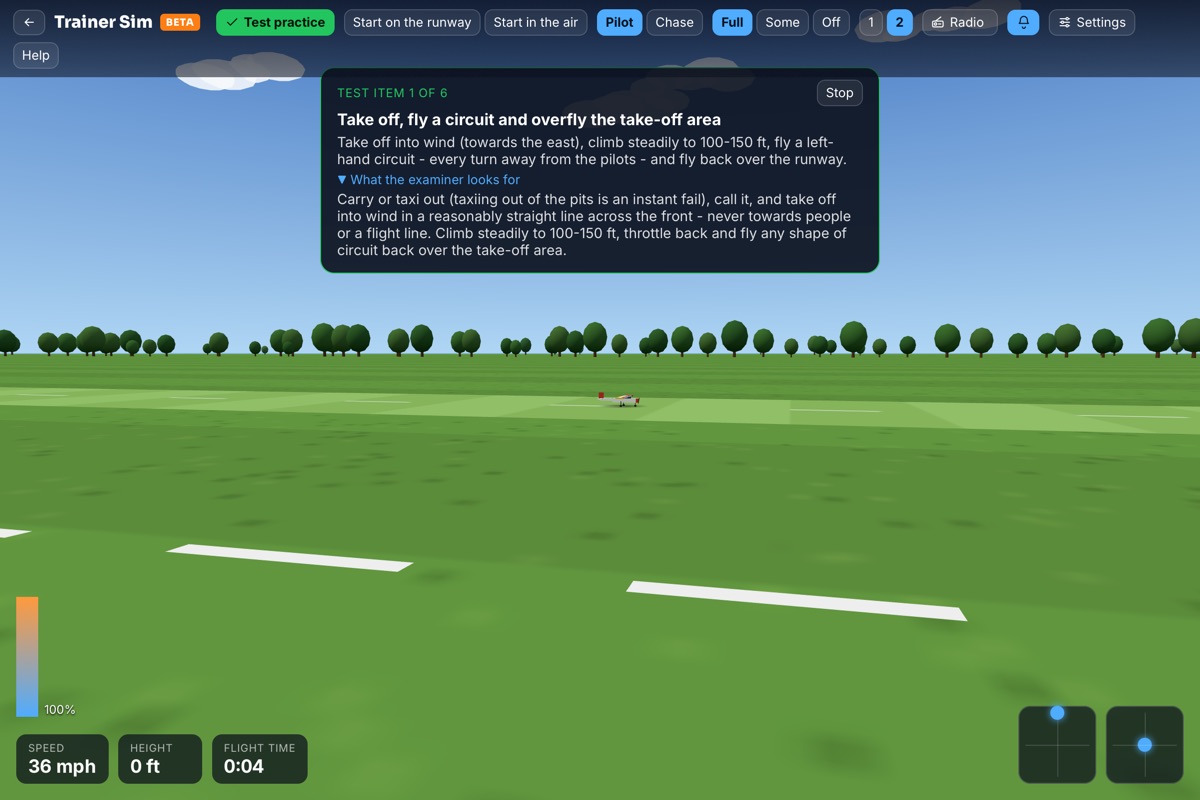
See your flights in 3D: a guide to GPS Flight Replay
Upload a GPS or telemetry log and watch your flight in 3D, with speed, height, a landing score and the point where a lost model came down.
 Matt Takhar9 November 2026 · 4 min read

From the pilot box, every flight looks smooth. Then you watch it back from above and see that the "straight" downwind leg wandered, the loop was egg-shaped and the approach was a lot faster than it felt.
That's what Flight Replay is for. If you fly with a GPS logger, or a radio that records telemetry, RC Flyer Pro turns the log into a 3D replay of your flight over satellite imagery and real terrain.
What you need
Any of these will give you a replay:
- A GPS logger such as RC Light Systems, Flight Coach or JET Accessories.
- The Futaba GPS sensor, or telemetry logs from Spektrum.
- Logs from a RadioMaster or other EdgeTX radio, FrSky Ethos, or Jeti.
- Pixhawk flight logs (.BIN files).
Radio logs that record your sticks are a bonus: the replay shows your inputs alongside the flight, and the control surfaces move on the model.
Watching the replay
Upload the log when you log the flight, and press play. You can follow the model, orbit around it, or watch from the pilot box. Panels show your speed, height and distance as it flies, and the key moments are marked on the track: take-off, highest point, top speed, hardest pull and landing.
The replay uses the real terrain and imagery for wherever you flew, and you can switch on realistic sun and shadows for the time of day you were flying. If your flying site has its runway and pilot box marked, you'll see them too.
The Flight Report
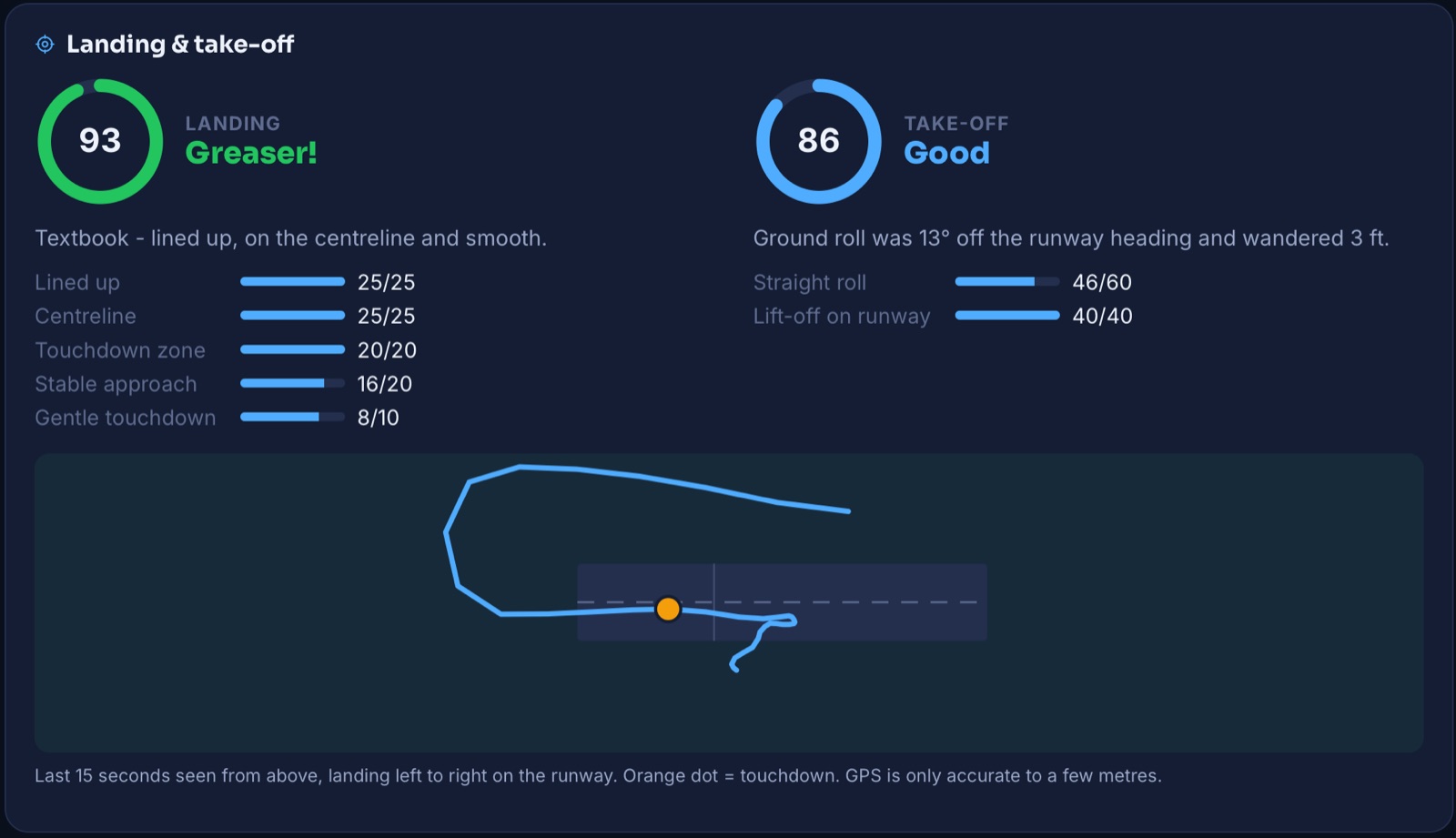
Every GPS flight also gets a Flight Report: the numbers behind the flight in one place. A few parts pilots use most:
- Landing score - a score out of 100 for your touchdown. It's surprisingly motivating, and a good way to see whether those approach tips are working.
- Compare flights - put two flights side by side to see what changed, ideal for practising the same routine.
- Share - send a replay link to your instructor, your club or the person who swears you were "nowhere near" the no-fly zone.
What to look for in your replays
A replay is most useful when you watch it with a question in mind. A few things worth checking after a session:
- The shape of your circuit. From above, is it a tidy rectangle, or does the downwind leg drift towards you? Wind pushes a circuit around more than it feels from the ground.
- Your height on the downwind leg. Steady, or creeping up and down? A consistent height makes everything after it easier.
- The approach. Watch your speed on the final turn and approach. Most rough landings start with an approach that was too fast or too steep, long before the wheels touch.
- Where you turn. Turning too close to the pilot box, or over the pits, shows up very clearly from above - useful before a test, and for staying on the right side of the flying area.
- The same routine, twice. Fly the same sequence two or three times and compare them. Improvement you can't feel from the ground is easy to see on the track.
When it goes wrong
Two features exist for the days we'd rather forget.
Find my model shows where the log ended - the last known position of the model - with directions to it. If a model goes down in a field of crops or a wood, it can save hours of searching. It's worth knowing it's there before you need it.
The black box report reads the last seconds of a flight that ended in a crash: the speed, height and attitude, and your stick inputs if the log recorded them. It won't always give you the answer, but it often tells you whether you were looking at a stall, a lost link or simply running out of height.
Getting good logs
A few habits make a big difference to the replay:
- Let the GPS get a good fix before you take off. Give it a minute after power-up, especially in a new place.
- Log at a decent rate. More points per second means smoother replays and better landing scores.
- Keep your radio's logging switched on if it can record telemetry and sticks - that's what moves the control surfaces in the replay.
- Upload after each session, while you still remember which flight was which.
- Mark your field - adding the runway and pilot box to your flying site makes every replay there more useful.
Try it
The quickest way to see what Flight Replay can do is to try it with one of your own logs - no account needed. When you're ready to keep every flight, sign up free and upload logs as you go. Your whole flying history, replayable in 3D.